
Stop planning and start building. That landing page you've been sketching on paper? That tool your team keeps saying they need? That side project idea sitting in your notes app? You can start building it today—right now—whether you've never written code or you're a senior engineer looking to move faster.
AI coding tools have changed the game for everyone. If you don't code, you can now build real websites and applications by describing what you want. If you do code, you can ship in hours what used to take weeks. The barrier isn't knowledge or experience anymore. It's just getting started.
Why this moment is different
For decades, building software meant years of learning syntax, frameworks, and infrastructure. That kept millions of people with great ideas on the sidelines. But in the past eighteen months, something fundamental shifted.
Real people building real products:
- A marketer built Formula Bot over a weekend—it went viral on Reddit and TikTok
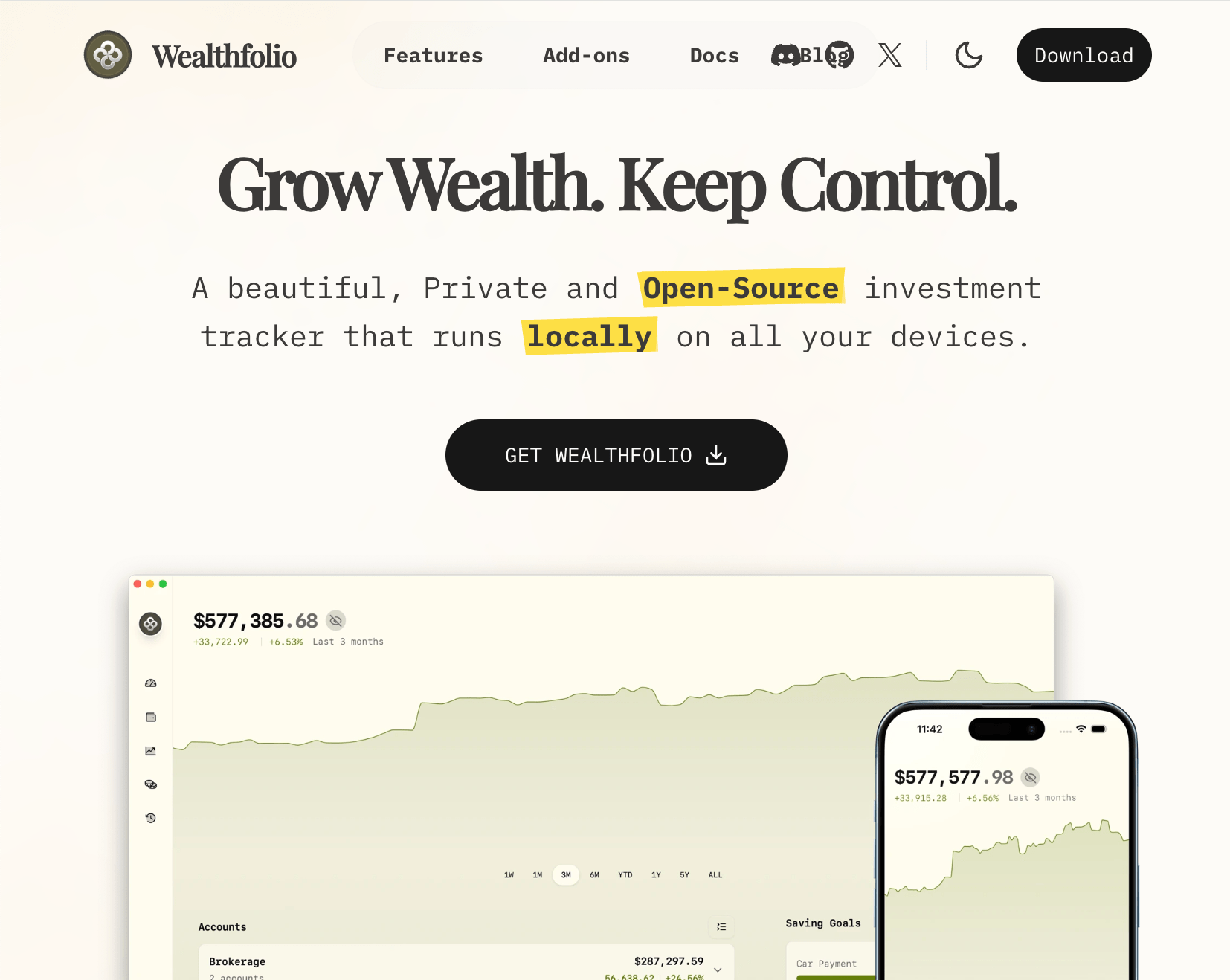
- Someone with zero Rust experience built Wealthfolio and hit the front page of Hacker News
- A teacher and principal built MagicSchool, an AI platform for educators that grew to 100,000+ teachers in 3 months
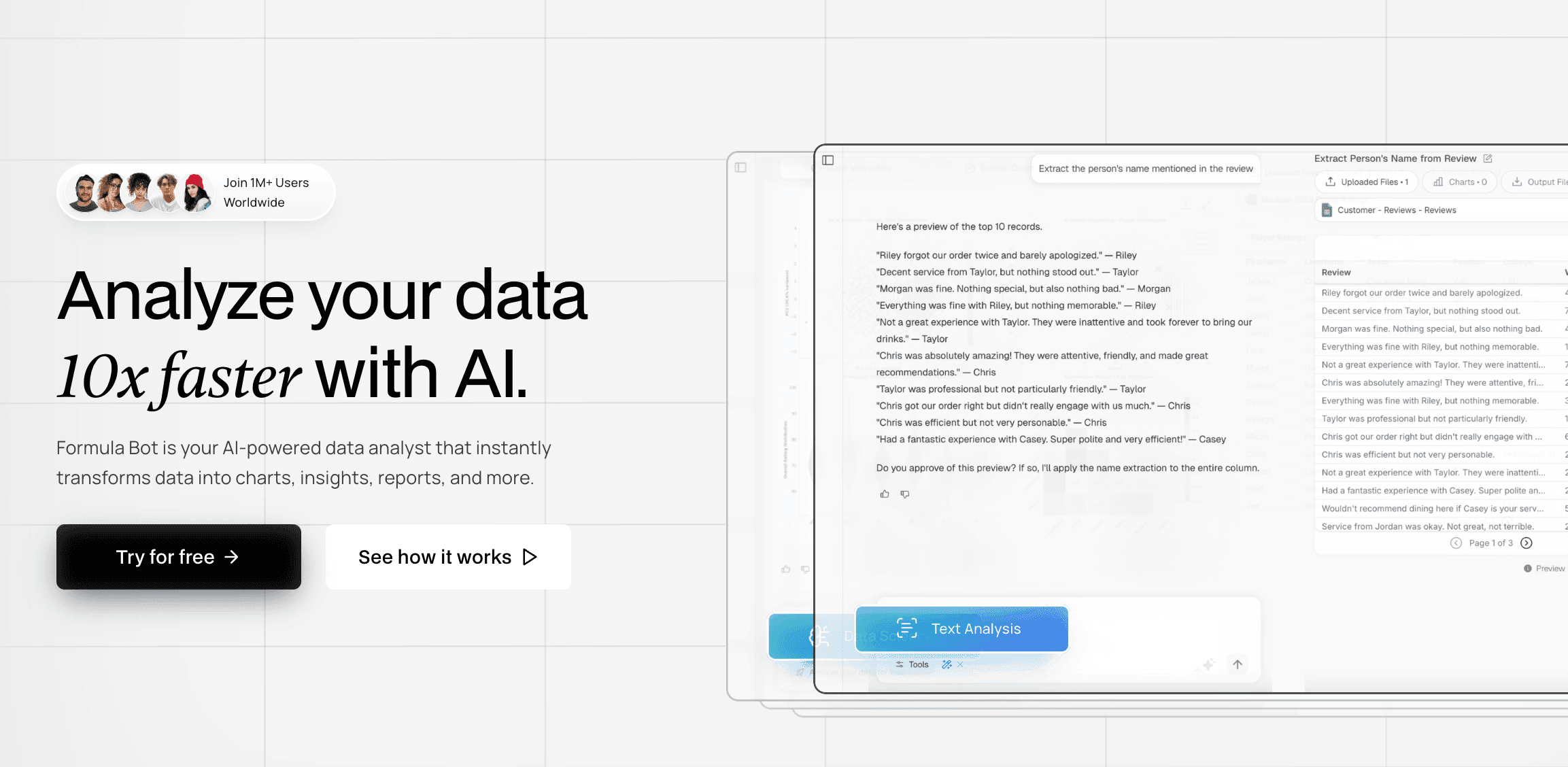

Formula Bot: Built over a weekend, went viral on Reddit and TikTok
These aren't outliers. Twenty-five percent of Y Combinator's Winter 2025 startups have codebases that are ninety-five percent AI-generated. The transformation is complete.
Whether you're a complete beginner or an experienced developer, AI coding tools amplify what you can build. Non-coders can ship landing pages and functional web apps. Experienced developers can prototype in minutes and build production apps in days instead of months. The common thread is the same: describe what you want clearly, and AI handles the implementation.
Start with what you actually want to build
Think about the ideas you've shelved. The problems at work nobody has time to solve. The side projects gathering dust in your notes app. A tool to track your book collection. A dashboard for your freelance business. A calculator for your specific industry. An app that fixes something annoying in your workflow.
You probably dismissed these because building them seemed too hard. Here's the truth: landing pages, marketing sites, and simple web tools are extremely achievable with AI coding—even with zero experience. You can build something professional-looking and functional in your first session.
Setting expectations: Full-stack applications with user authentication and databases? Those are more challenging. They're still way easier than most people think, and they're absolutely doable even without much coding experience. But they require more iteration and troubleshooting. We'll cover those in upcoming in-depth guides on building complete web and mobile apps with authentication and databases like Supabase.
For now, the goal is simple: get something working today. Start with a landing page, a simple tool, or a prototype of your idea. Once you see what's possible in your first thirty minutes, you'll know whether to keep pushing forward.
The best first project isn't a tutorial. It's something you actually want to exist. When you're solving a real problem for yourself, every obstacle becomes worth working through instead of just another frustrating learning exercise.
Pick a tool and move on
This is where people get stuck. They research, compare features, read reviews, and never build anything. Stop. The fastest way to learn which one fits you is to pick one and start prompting.
| Tool | Best For | Value Proposition | Price |
|---|---|---|---|
| Lovable | Absolute beginners who want results fast | AI-driven coding with minimal friction; you don't need to know syntax | ~$25/mo (free tier) |
| Replit AI | Beginners who want to build and learn | AI + interactive editor + community; good if you want learning + doing | ~$25/mo (free tier) |
| Cursor | Developers who already code and want to supercharge productivity | Powerful in-editor AI that assists with real coding tasks | ~$20/mo (free trial) |
| Claude Code | Experienced developers comfortable with text/terminal workflows | Large-model coding assistance via chat; flexible but less UI support | ~$20/mo |
| Google AI Studio | Exploratory use / experimentation | Free access to AI tools and models; not focused specifically on coding | Free |
Pro tip: The prompting skills transfer almost completely between tools. Pick one based on where you are now and move to the next step. You can always switch later.
Your first session: Just experiment
Don't start with your big ambitious project. Test what AI can actually do with a few simple prompts:
These are intentionally simple. You're learning the rhythm: describe what you want, see what gets generated, click through it, notice what works and what doesn't, then ask for specific changes.
The magic moment happens fast. You'll describe something, AI will build it, and you'll see a working interface you can interact with. That experience—watching your description become functional software in seconds—changes what feels possible. It usually takes about ten minutes.
Building your real project: Start simple
Once you've experimented with basic prompts, build something you actually want. But here's the critical mistake beginners make: they describe their entire vision in one massive prompt. Every feature, every edge case, every design detail they've been imagining. The AI gets overwhelmed and produces something confusing.
The right approach:
- Start minimal → "Create a simple habit tracker where I can add habits and mark them complete for today."
- Get it working → Test, click through, make sure the basics function
- Add one feature → "Add a calendar view showing the past seven days."
- Test again → Make sure nothing broke
- Keep iterating → "Add a streak counter." Then: "Improve the design with better colors and spacing."
This incremental approach works because AI excels at making specific changes to existing code. Each step gives you something testable. You maintain momentum instead of getting stuck debugging a complex system you don't understand.
The workflow that actually works
In practice:
Describe what you want in clear, simple language. The AI generates code and shows you a preview. Test it—click everything, try to break it, see what happens. Notice something that doesn't work or could be better. Tell the AI specifically what to change:
✅ Good: "Make the submit button blue" or "Show an error message when someone clicks Add without typing anything."
❌ Bad: "Make it look better" or "Fix the design"
The AI makes the change. You test again. Repeat this cycle—build, test, iterate—until it works the way you want.
Sometimes the AI makes mistakes or misunderstands you. That's normal. Describe the problem more specifically and try again. You don't need to understand the code the AI writes. You need to understand what you're building and test whether it works correctly.
When you get stuck
You'll hit moments where the AI doesn't understand you, generates something broken, or makes the same mistake repeatedly. This happens to everyone. Here's your troubleshooting checklist:
Troubleshooting steps:
- Be more specific → Change "make it look better" to "increase spacing between items to 20 pixels and use a sans-serif font"
- Undo the last change → Most tools have version history or undo functionality
- Take a break → Come back in an hour; problems often become obvious after stepping away
- Start over simpler → No penalty for abandoning a confused session and starting fresh
Your next step is obvious
Pick a tool and open it right now. Don't read more articles, don't join Discord servers, don't wait for the perfect idea. Describe something simple and see what happens. A personal website. A calculator. A countdown timer. Anything that takes five minutes to describe.
The learning happens by building, not by preparing to build. You'll make mistakes. The AI will misunderstand you. Some prompts will produce confusing results. That's part of the process. Every person who's shipped an AI-built product went through the same awkward first attempts.
The difference between them and everyone else is that they started.
What's next?
Once you've got your first simple project working, come back for our in-depth guides:
- Building Real Web Apps with AI → Complete guide to user accounts, databases, Supabase, and production deployment
- Mobile App Development with AI → From idea to App Store submission (coming soon)
- Building AI-Powered Apps → Integrate LLMs, embeddings, and AI features into your products (coming soon)
But first, just start.
The tools are ready. The only question is: will you start today?
Last updated: December 2025 Difficulty: Beginner | Estimated time: 5 minutes